What it does
Every screenshot here comes from the Vega Virtual Device, captured with scripted presses of the remote. Each feature was also played there, and the app’s automated tests cover it; where a check is still open, the section says so. Nothing has run on a physical Fire TV Stick yet.
Hotseat on one remote
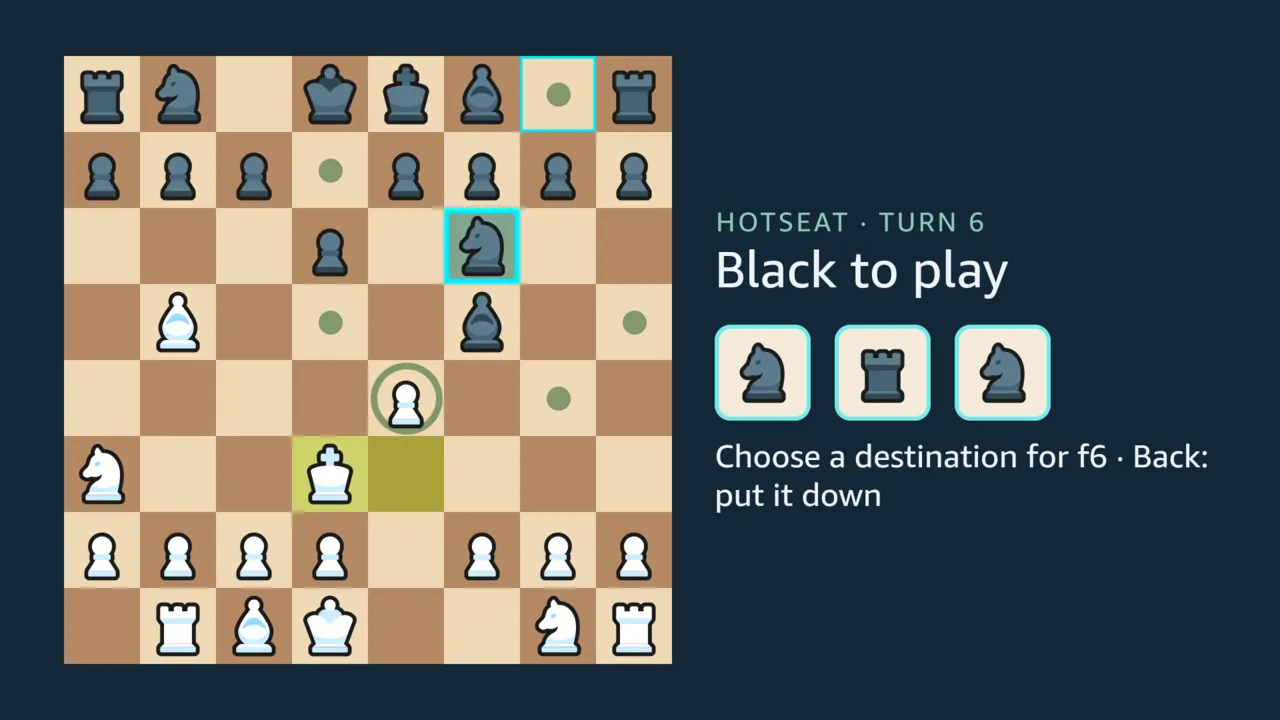
Section titled “Hotseat on one remote”Two players share the remote and take turns. OK rolls three dice; the pieces the dice let you move are marked green. The arrows jump between those pieces. OK picks one up and lands on one of its destinations, the arrows jump between those, and OK plays the move. Back puts a piece down again.
Three opponents, as either colour
Section titled “Three opponents, as either colour”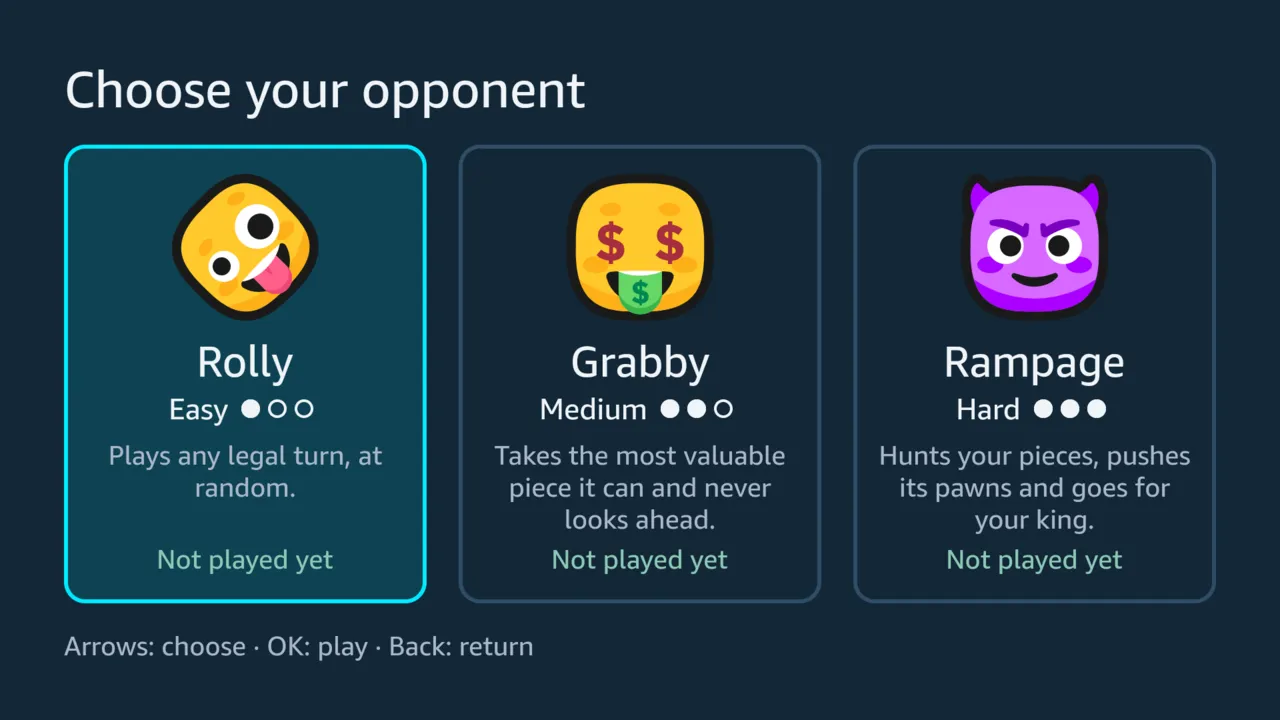
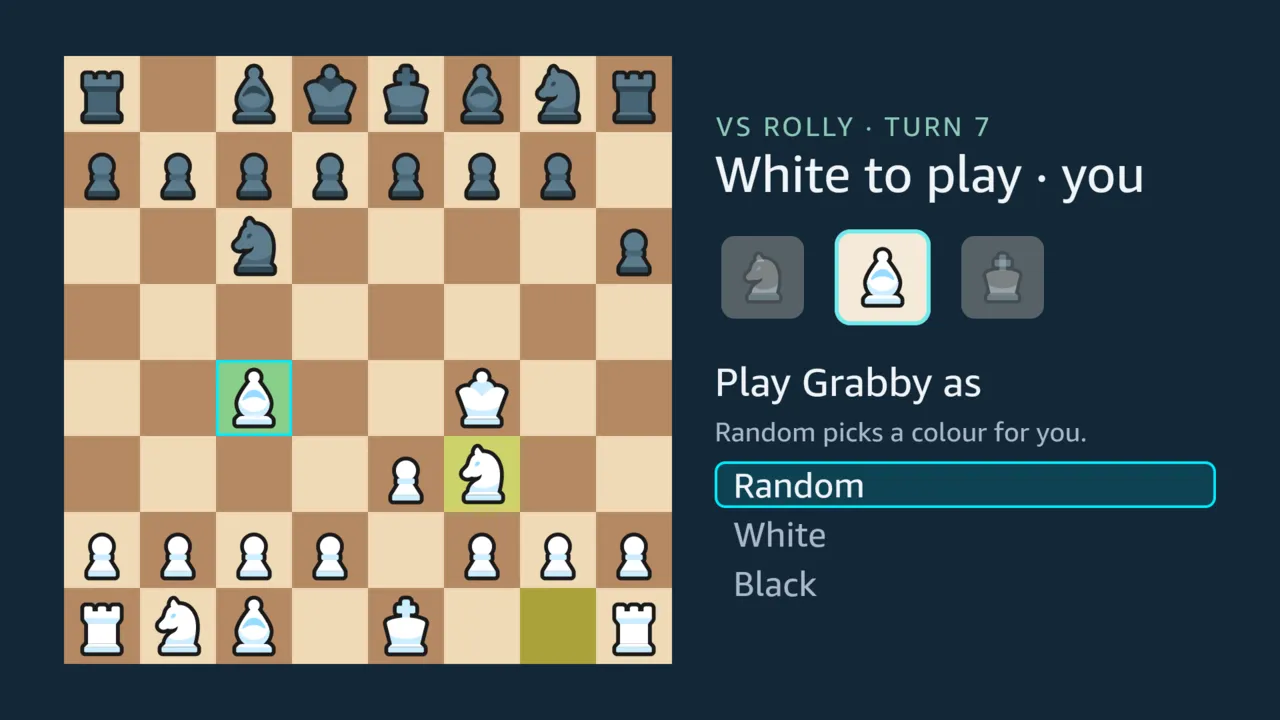
A person alone plays one of three opponents that run on the TV. They are chosen on cards:
- Rolly (Easy) plays random legal turns, an opponent for learning;
- Grabby (Medium) takes the most valuable piece it can;
- Rampage (Hard) hunts your pieces and goes for your king.
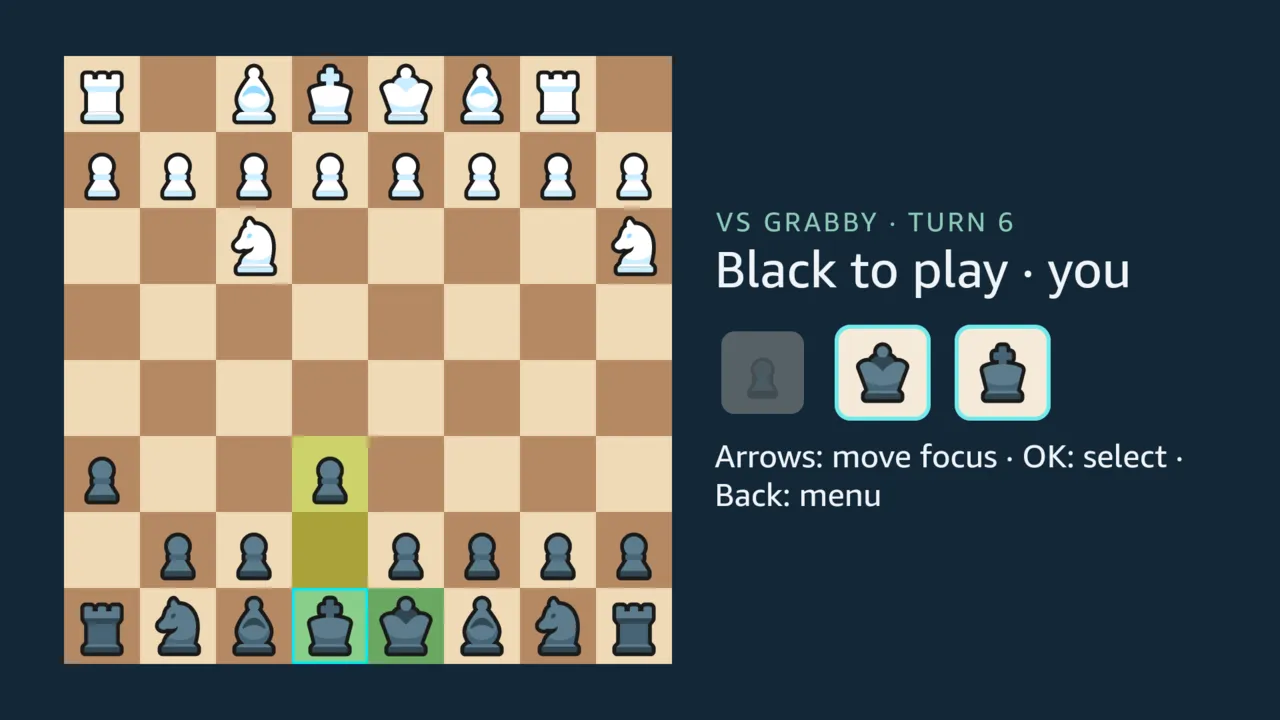
Each is an algorithm of the Dice Chess rules engine, and each card shows your record against it. The faces are RhosGFX’s Vector Emojis, by the artist of the pieces. Every opponent shows its turn one action at a time, and each piece slides to its new square, the opponent’s and yours alike, so a turn can be followed from the sofa. Frames recorded on the virtual device show Grabby’s knight sliding onto a queen it took in under a quarter of a second, and the tests cover captures, castling, en passant and promotion.
Before the game you choose White or Black, or let the app pick a colour. Playing Black turns the board so that your pieces are at the bottom.
A roll with nothing to play
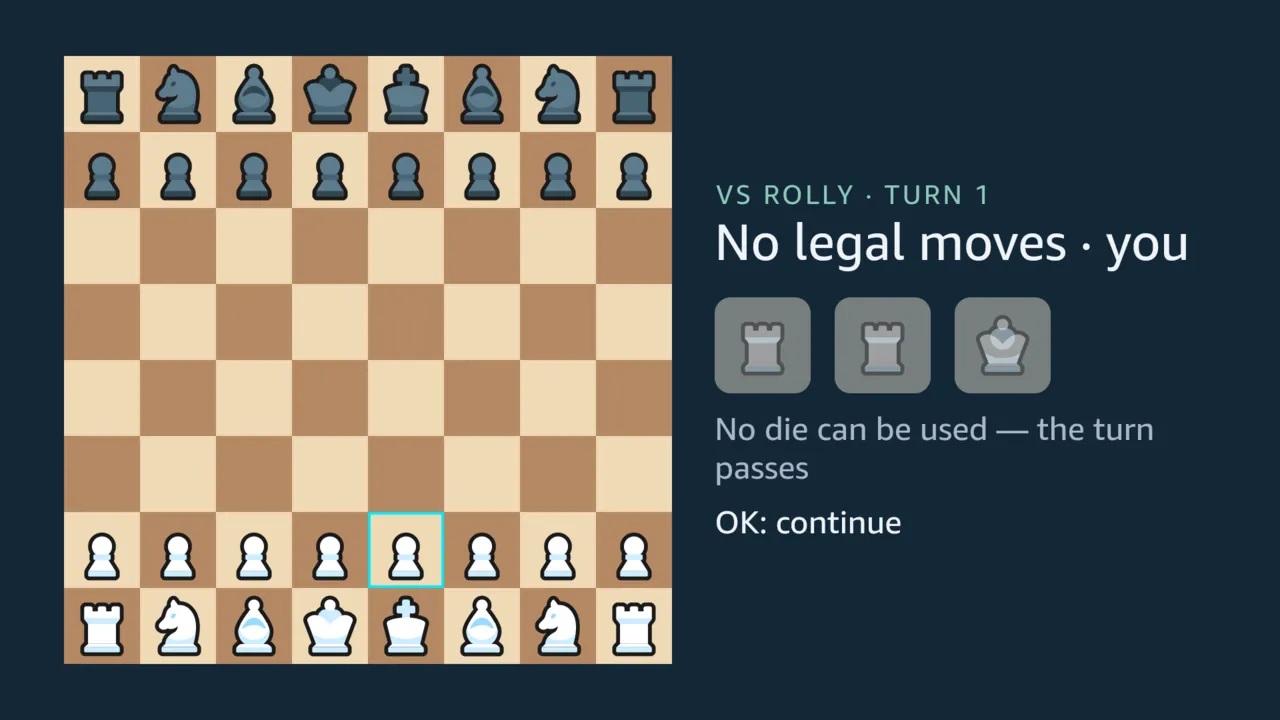
Section titled “A roll with nothing to play”About one roll in twelve leaves nothing to play, and so do nearly a third of first rolls, measured over 300 simulated games. The screen says so instead of passing the turn silently: the headline reads “No legal moves”, the dice dim, and a line under them gives the reason.
The tutorial
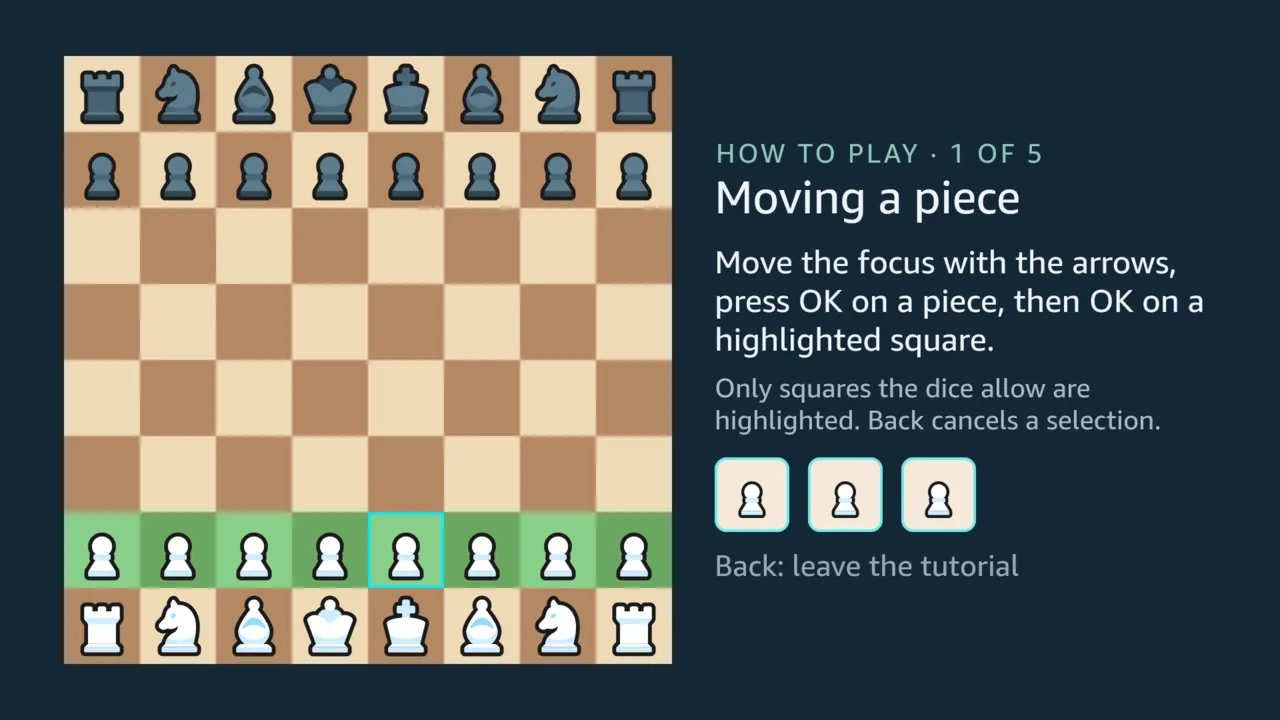
Section titled “The tutorial”Five short lessons, each on a real position with a fixed roll, teach the game by playing it:
- moving a piece;
- the dice choose the pieces;
- three actions in one turn;
- taking a piece;
- taking the king ends it.
A lesson never touches a saved game or the record.
The rules guide
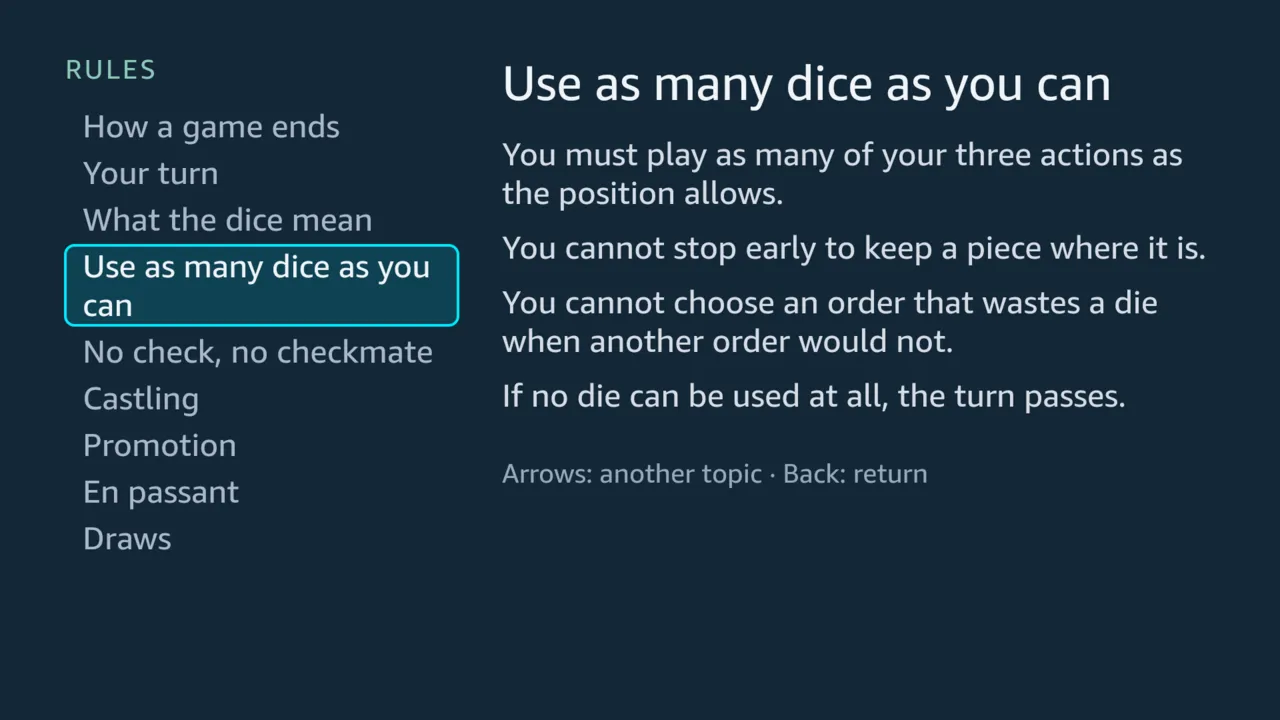
Section titled “The rules guide”Nine topics, from how a game ends to castling, promotion, en passant and draws. The arrows move between topics, and the text changes without anything to open or close.
Saving, resuming and the record
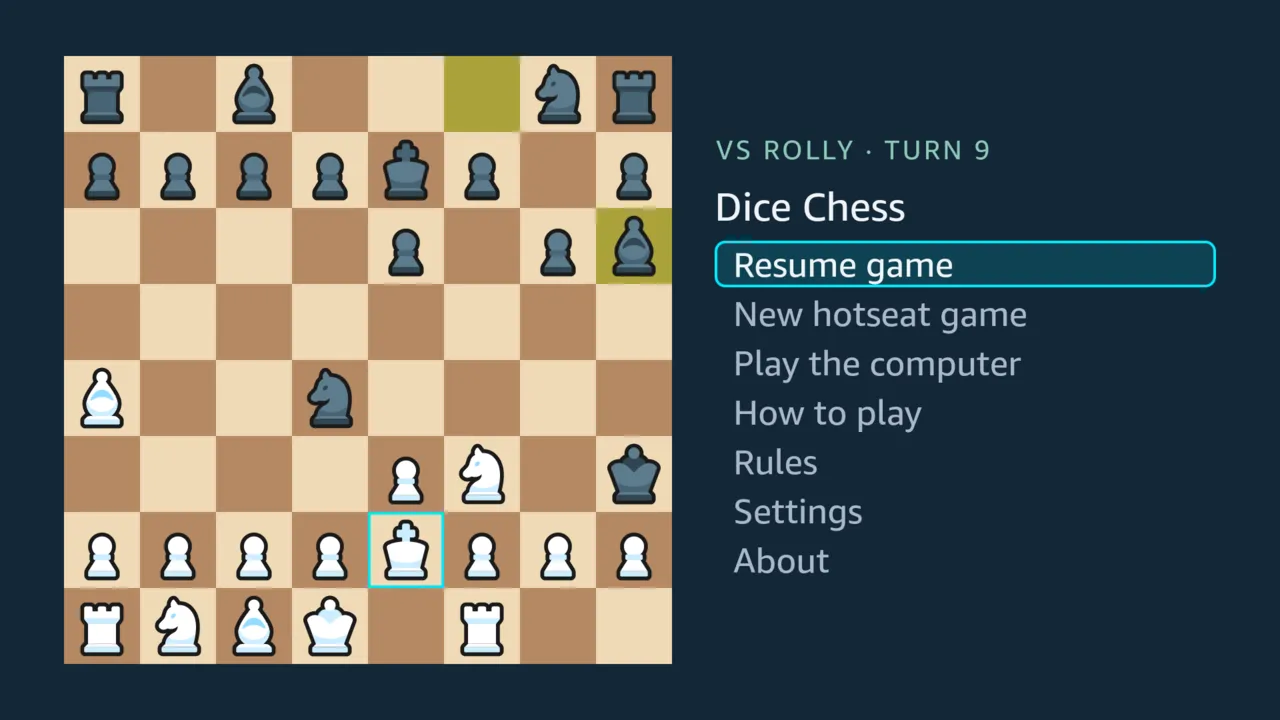
Section titled “Saving, resuming and the record”The game is saved after every action. The app opens on the home screen, where “Resume game” continues where the game stopped: on the virtual device, a game force-stopped mid-turn and relaunched came back as it was. Your record against each computer opponent, as wins, draws and losses for each side you played, is on its card: the tests check it, and on the virtual device a card showed a win as White and a loss as Black against Grabby.
Short cues mark each step:
- a roll, and a roll with nothing to play;
- a move, a capture, castling and a promotion;
- the handoff of the dice;
- a win, a loss or a draw.
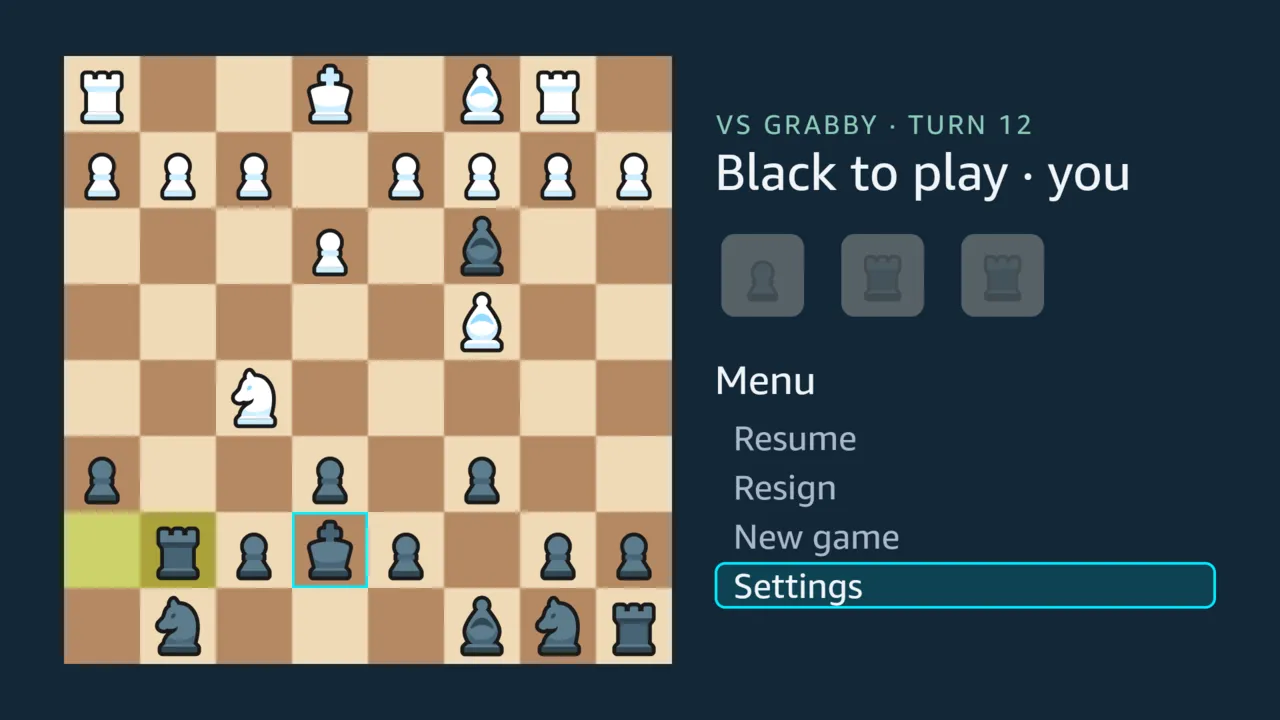
Each was chosen by ear, and they have been heard from the virtual device through a computer’s speakers, not yet from a television. Every cue also has something to see on the screen, and the Settings screen, opened from both menus, turns them all off.
Music follows the danger to your king: calm, tense when a roll could take it within a turn, and critical when it is attacked. The four themes are by pepka-prygni, used with his permission (#76). The Settings screen switches music on or off and sets its volume.
Sound stops when the app leaves the screen. The tests check that the players pause, and on the virtual device the app came back from the launcher as it left; that nothing plays over the launcher is still to be confirmed by ear.
Rematch
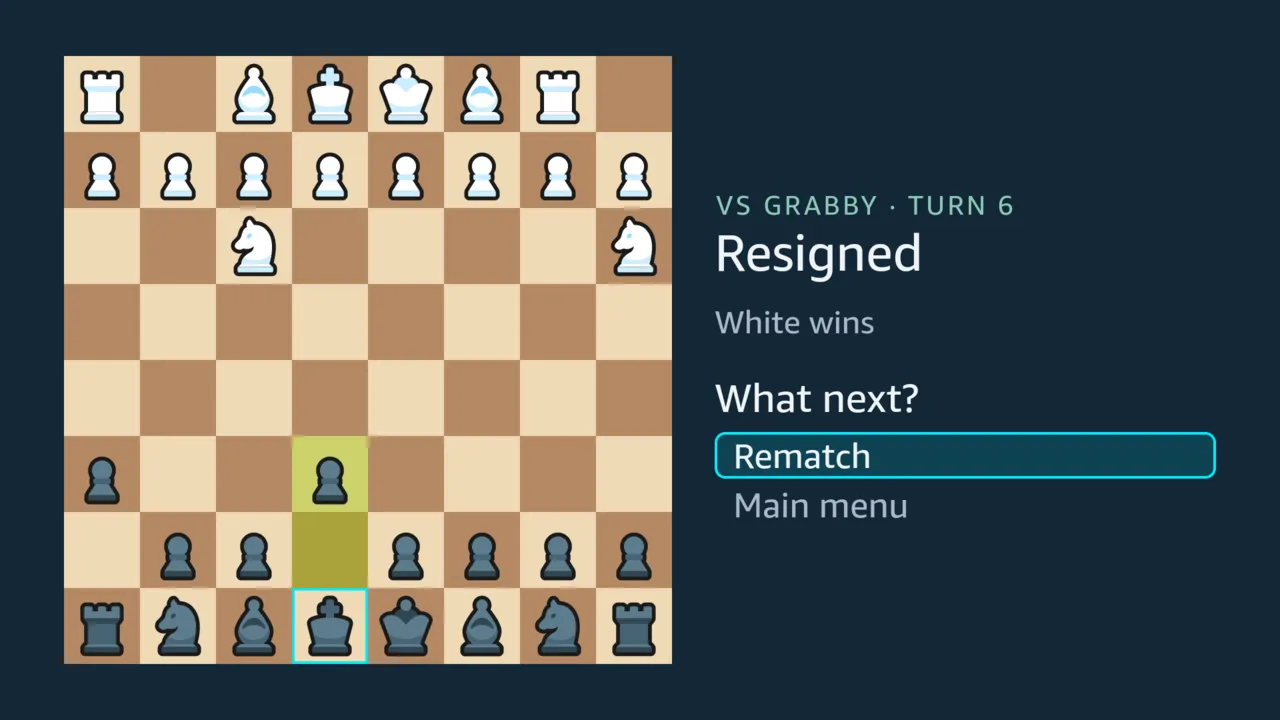
Section titled “Rematch”A game against the computer ends on a choice: a rematch or the main menu. A rematch keeps your colour choice; if you chose Random, it picks again. In hotseat, a finished game stays on the board, and OK returns to the main menu.